
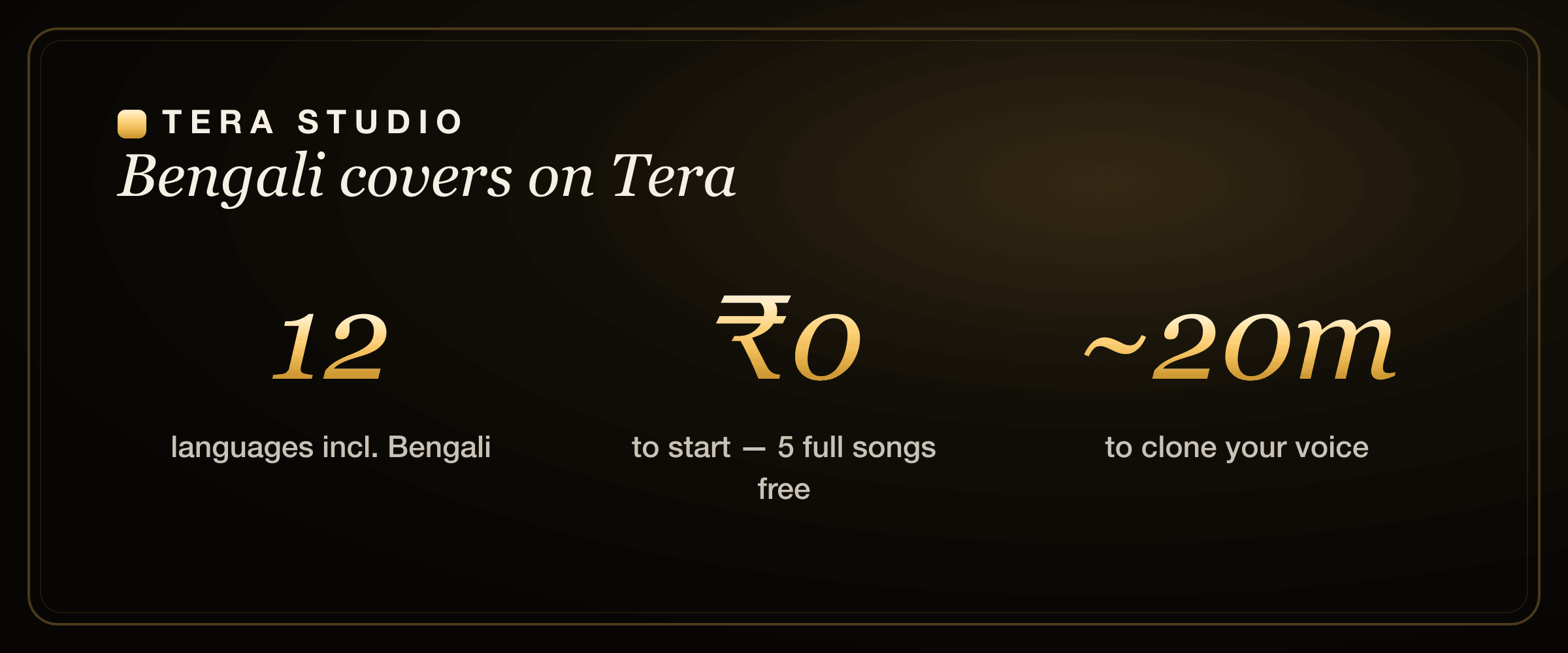
Tera Studio is the simplest way to make a Bengali AI cover song in your own voice. It clones your singing voice from about 30 seconds of audio, then converts a real Bangla vocal you have the rights to into your cloned voice — so the pronunciation, the lilt and the bhaav of the performance carry through. It is voice-to-voice conversion, not text-to-speech, and it is free to start with no card.
Key takeaways
- Tera Studio converts a real sung performance into your cloned voice, so Bengali pronunciation, melodic slides and emotion survive the conversion intact.
- One voice clone works across 12 languages including Bengali, Hindi, Tamil, Telugu and Punjabi — train once, cover anything.
- The free tier gives you 1 clone + 2 listen-only full songs with no card; paid plans start at ₹499/month and mainly unlock 48 kHz mix-ready WAV downloads and AI lipsync video.
- You can clone your voice from any language and still make a flawless Bangla cover — the voice transfers, the source vocal supplies the words.
- Cloning your own voice is fine; the underlying song may still carry copyright, so check the rules before you publish.
Why Bengali singing needs a performance-first tool
Bengali singing — from Rabindra Sangeet and Nazrul Geeti to modern Bangla pop and indie — lives on melody and restraint. The character sits in the soft consonants, the open vowels, and the gentle meend (slides) between notes. An English-first AI tool tends to flatten exactly the things that make a take sound Bengali.
Most "AI cover" tools that generate from typed lyrics fight you here. They guess at pronunciation, quantize the melody into something stiff, and squash the dynamics that carry feeling. Tera takes the opposite approach: you sing (or supply) the actual performance, and Tera only swaps the timbre of the voice. The phrasing, the breath, the tiny pitch inflections you performed are the phrasing that comes out — just in your cloned voice. If you have never made one before, the general walkthrough in how to make an AI cover song covers the same workflow end to end.
How do I make a Bengali AI cover song?
Here is the short version, then a detailed walkthrough below. Sign up free, clone your voice from about 30 seconds of audio, bring a Bangla vocal you have the rights to, convert it into your cloned voice, and listen back. Your first 2 listen-only full songs cost nothing.
Step 1 — Sign up free and clone your voice
Create a free account at terastudio.co — no card required. Record about 30 seconds of clean singing in a quiet room with a steady mic distance. You can sing in Bengali or any other language; the clone captures the character of your voice, not the words, so it transfers across languages. Training takes roughly 20 minutes, after which your private voice model is ready. If you want the full beginner version of this step, how to clone your voice free walks through mic setup and what makes a clean sample.
Step 2 — Bring a Bangla vocal you have the rights to
Tera converts an existing vocal performance. The cleanest, most expressive result comes from recording your own Bangla take — that way every slide and breath is yours, and the conversion simply re-voices it. If you are working from an instrumental, sing the melody yourself and lean into the expression. The richer and more emotive your source take, the richer the cover.
Step 3 — Convert and listen back in your own voice
Run the conversion and Tera re-voices the Bangla performance in your cloned voice. Because it is performance conversion, the Bengali pronunciation and the melodic feel you recorded come straight through. Play it back, and if a phrase needs more emotion, re-record that line and convert again. This loop is fast, and on the free tier you get 2 listen-only full songs to experiment with before deciding on a plan.
Step 4 — Export a mix-ready file or a video
Happy with a take? On a paid plan (from ₹499/month) you can download a 48 kHz mix-ready WAV that drops cleanly into any DAW, or generate an AI lipsync video of your cover. The free tier lets you preview full songs in-app; the paid tiers (₹499 / ₹999 / ₹1,999 / ₹2,999 per month) mainly add those studio-grade WAV downloads and the video feature for creators who publish.
Singing in Bengali: pronunciation and phrasing nuances
Because Tera re-voices a real take, the quality of your source performance is what decides how Bengali the cover sounds. A few honest pointers help:
- Vowels carry the language. Bangla leans on open, rounded vowels (the "o"-leaning a, the soft e). If your source take pronounces them naturally, the conversion preserves them — Tera does not "correct" your accent, it keeps it.
- Soft consonants and aspiration. Bengali's gentle consonants and aspirated sounds are part of the feel. Sing them as you would speak them; clipped, over-articulated diction in the source will carry through too.
- Meend and microtonal slides. Much of the emotion in Bengali melody lives in the slides between notes. Perform them — they are character, and they survive conversion rather than getting quantized away.
- Restraint over belting. A lot of Bangla repertoire rewards a softer, intimate delivery. Record at a comfortable key so your dynamics stay expressive instead of strained.
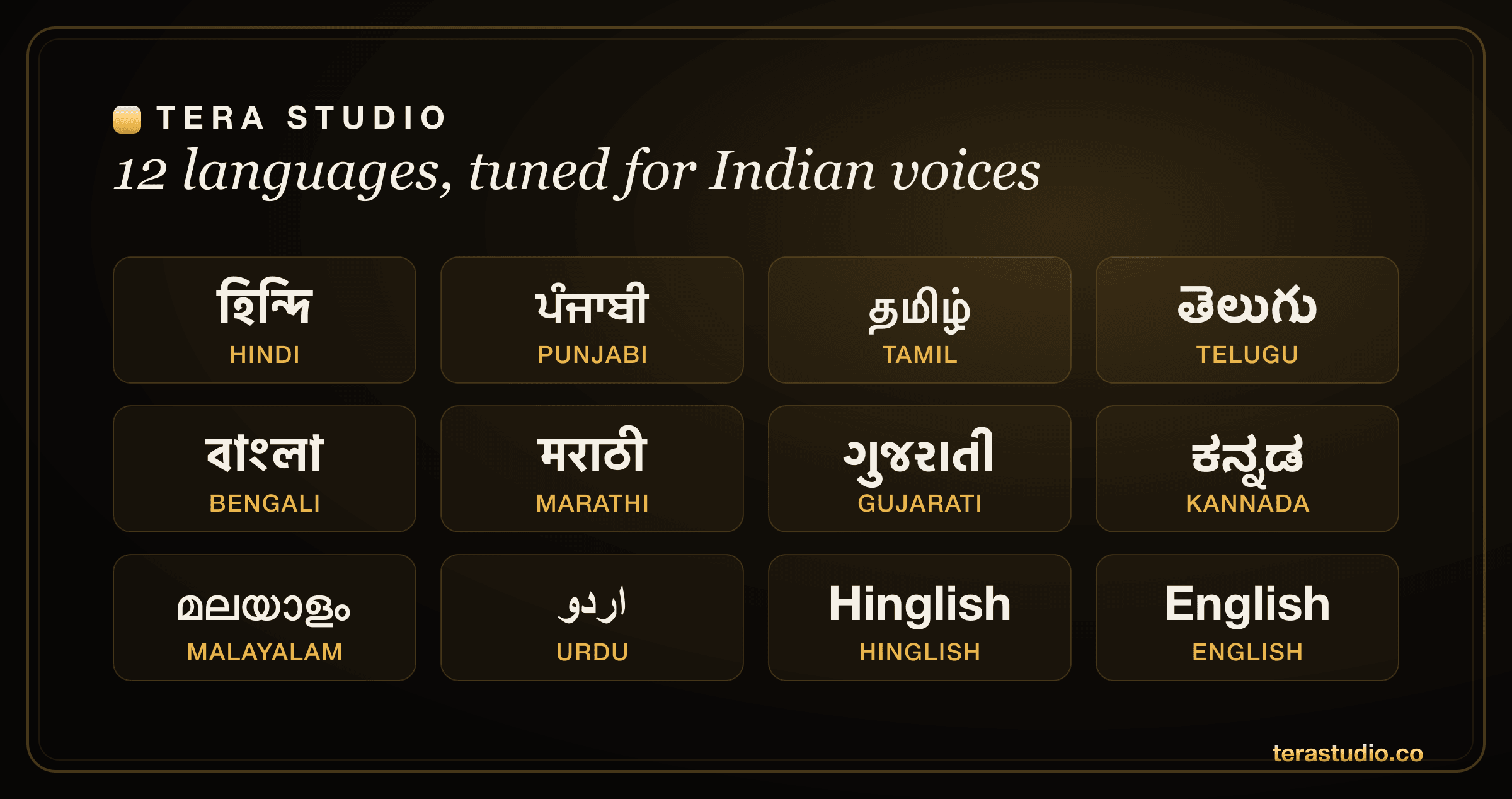
One trained voice in Tera Studio works across all 12 languages — Hindi, Hinglish, Punjabi, Tamil, Telugu, Bengali, Marathi, Gujarati, Kannada, Malayalam, Urdu and English — so a single ~30-second clone covers your entire multilingual catalogue.
One voice, twelve languages
Your cloned voice is not locked to Bengali. The same model covers Hindi, Hinglish, Punjabi, Tamil, Telugu, Marathi, Gujarati, Kannada, Malayalam, Urdu and English. Clone once and you can move from a Rabindra Sangeet cover to a Bollywood number to a Punjabi track without retraining. If your next project is in another language, the same steps apply for a Hindi AI cover or a Marathi AI cover — same voice, different song.
Is a Bengali AI cover free, and what do paid plans add?
Yes — you can make a Bangla cover for free. The free tier includes 1 clone + 2 listen-only full songs with no card. That is genuinely enough to clone your voice, test two covers, and hear yourself singing in Bengali before paying anything. Paid plans exist mainly for people who publish: they unlock the 48 kHz mix-ready WAV downloads and AI lipsync video, starting at ₹499/month. If you are comparing options across the market, our roundup of the best AI singing app in India puts the free-to-start tools side by side.
Is it legal to make and publish a Bengali AI cover?
Using your own voice to make a cover is fine — your trained voice is private to your account, and cloning anyone else's voice requires their explicit permission. The thing to watch is the song itself: the composition and lyrics often carry their own copyright, so how you publish a cover (especially monetised on YouTube or streaming) can need music licences independent of the voice. For a plain-English breakdown, read the law on AI voice cloning in India.
How to start on Tera (free)
- Go to terastudio.co and create a free account — no card needed.
- Record about 30 seconds of clean singing to clone your voice (any language works); training takes ~20 minutes.
- Bring a Bangla vocal you have the rights to — your own recorded take gives the most feeling.
- Convert it into your cloned voice and listen back; re-record any line that needs more bhaav.
- Listen to your best take in-app, or upgrade from ₹499/month for a 48 kHz WAV or a lipsync video.
- Ready to hear yourself sing in Bengali? Sign up free and clone your voice today.
Frequently asked questions
How do I make a Bengali AI cover song? Clone your voice on Tera Studio from about 30 seconds of audio (training takes roughly 20 minutes), then convert a Bangla vocal you have the rights to into your cloned voice. Because Tera converts a real performance instead of reading typed lyrics, your pronunciation, lilt and expression carry through. Your first 2 listen-only full songs are free.
Will it keep the Bengali pronunciation and feel? Yes. Tera re-voices your real sung take rather than generating from text, so the Bangla pronunciation, the melodic slides (meend) and the emotion you performed come straight through — Tera only swaps the timbre to your cloned voice, it does not flatten your delivery.
Can I make a Bangla cover for free? Yes. The free tier includes 1 clone + 2 listen-only full songs with no watermark and no card. That is enough to clone your voice and test two Bengali covers before deciding on a paid plan.
Do I need to sing in Bengali to clone my voice? No. Your voice clone captures the character of your voice, not the language, so you can train in Hindi, English or any of the 12 supported languages and still make a Bengali cover. The source vocal supplies the Bangla words and melody.
What do the paid plans add over the free tier? Paid plans (₹499 / ₹999 / ₹1,999 / ₹2,999 per month) mainly unlock 48 kHz mix-ready WAV downloads for clean DAW imports and AI lipsync video for creators who publish. The free tier already lets you clone your voice and listen to 2 listen-only full songs in-app.
Can I turn my Bengali cover into a video? Yes. On a paid plan you can generate an AI lipsync video from your cover, which is useful if you post to YouTube, Instagram or Reels.
Is it legal to publish my Bengali AI cover? Using your own cloned voice is fine, and cloning anyone else requires their permission. The song's composition and lyrics may carry separate copyright, so monetised covers can need music licences — see our guide on whether AI voice cloning is legal in India for the details.