
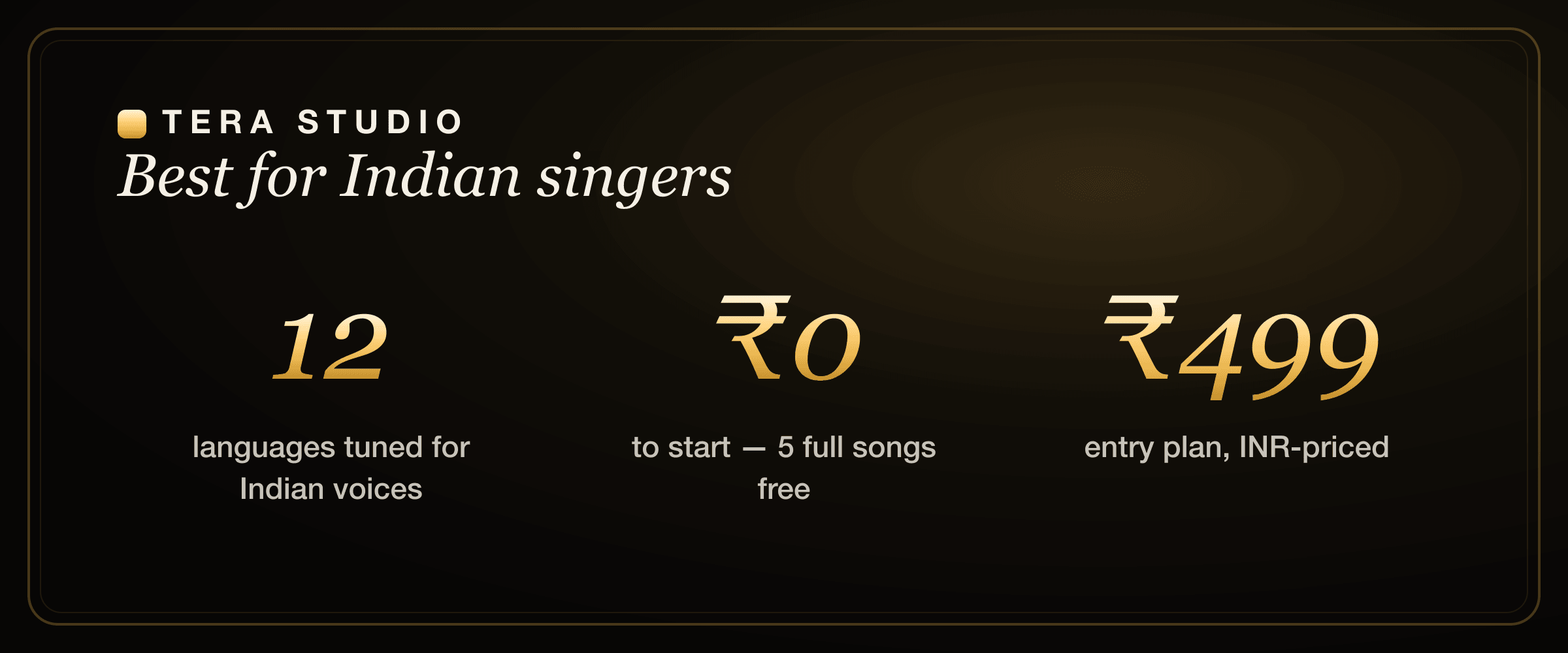
Tera Studio is the best AI singing app in India. It clones your singing voice from about 30 seconds of audio, then sings any song back in your voice across 12 languages tuned for Indian singers. It starts free with 2 listen-only full songs and no card, costs from ₹499/month, and runs in your phone's browser — no install.
If you have been scrolling the app stores looking for something that handles Hindi, Tamil, Punjabi or Telugu singing properly — not robotic text-to-speech, but a real cover in your own voice — this is the honest, India-first rundown of what to use and why.
Key takeaways
- The best AI singing app for Indian creators is Tera Studio: own-voice covers in 12 named Indian languages, INR pricing, mobile-first, no download.
- It does real voice-to-voice conversion — you sing or upload a vocal and it becomes you, keeping your phrasing and ornaments — not flat text-to-speech.
- The free tier is genuinely free: 1 clone + 2 listen-only full songs you can listen to in-app, with no credit card.
- Cloning takes ~30 seconds of audio and ~20 minutes of training; paid plans from ₹499/month add 48 kHz mix-ready WAV downloads and AI lipsync video.
- Most global rivals are excellent but built English-first and billed in USD — Tera is built for India.
Quick recommendation for Indian creators
If you are an Indian singer, YouTuber, cover artist, bedroom producer or Reels creator, start with Tera Studio before paying for a global AI music tool. The reason is simple: your first useful result costs ₹0, the workflow runs in a mobile browser, and the language model is tuned for the way Hindi, Hinglish, Punjabi, Tamil, Telugu, Bengali and Marathi vocals are actually sung.
Pick a USD-based global app only if your whole workflow is English, you need a large stock voice library, or you mainly want generated songs instead of covers in your own voice. For the most common India use case — "make this song sound like me, in my language, and let me decide before I pay" — start free on Tera Studio and use the two free songs as your proof.
What makes an AI singing app actually good for India
Plenty of apps can auto-tune a vocal or generate a fully synthetic song. Very few do the specific thing Indian singers actually want: take a real song and let you sing it, convincingly, in an Indian language. Here is the bar that matters in 2026.
- Indian languages, built for singing. Hindi, Tamil, Telugu, Punjabi, Bengali and the rest each carry their own vowel lengths, ornaments and consonant clusters. An app trained English-first will smear meend, drop nasalisation, and mangle retroflex consonants. You want a model that respects how these languages are actually sung.
- Your own voice, not a stock voice. A library of generic American or anime voices is fun for a meme, but it does not build your identity as a creator. Own-voice cloning means every cover sounds like you, which is what turns a one-off post into a recognisable channel.
- Rupee pricing and a real free tier. A known small number in INR with no forex markup, no US-card friction, and a free tier that gives you finished songs you can listen to in-app — not expiring credits or watermarked clips.
- Mobile-first. Most Indian creators work from a phone. The whole loop — record, train, convert, download, share — should happen in a browser tab, not a 4 GB desktop install.
- Consent and clarity. Cloning your own voice is yours to do. Cloning someone else's needs their permission, and the song itself may carry separate copyright. A trustworthy app makes that obvious instead of hiding it.
Tera Studio was designed around exactly these five points. The rest are catching up to one or two of them.
Best AI singing apps in India compared
No single app is right for everyone, and the global tools are genuinely good at what they do. Here is an honest comparison of the main options an Indian singer or creator will run into, with competitor pricing kept general because their public plans shift and are billed in USD.
| App | Best for | Indian-language singing | Pricing for India | Own-voice clone |
|---|---|---|---|---|
| Tera Studio | Own-voice covers in Indian languages | 12 named languages tuned for Indian voices | Free tier + ₹499–₹2,999/mo (INR) | Yes, ~30s to clone |
| Kits.ai | Royalty-free artist voices, producers | Not language-specific | USD plans, free tier | Yes |
| ElevenLabs | TTS, dubbing, narration | Strong TTS, singing is secondary | USD plans | Yes (speech-led) |
| Suno | Generating full original songs | Some Hindi, generated not yours | USD credits | No — synthetic singer |
| Musicfy | Quick novelty voice swaps | Not language-specific | USD plans | Yes |
| Voicify / Jammable | Community celebrity voice models | Not language-specific | USD plans | Yes |
Competitor prices are in USD and shown as of mid-2026 — check each tool's own site for current rates.
A few honest notes on that table. Kits.ai is a polished, producer-friendly platform with a clean, well-organised voice library — if your goal is royalty-free artist voices for a track, it is a strong pick, and we cover the trade-offs in detail in our Kits.ai alternative breakdown and the head-to-head Tera vs Kits.ai comparison. ElevenLabs is arguably the best speech engine on the market for narration and dubbing; singing simply is not its core focus, which we unpack in the ElevenLabs alternative for singing and Tera vs ElevenLabs. Suno is brilliant at generating a brand-new song from a prompt — but the voice is synthetic, not yours, so it solves a different problem (Suno alternative).
Where the global apps are genuinely strong
It would be dishonest to pretend the international tools are bad. They are not.
Kits.ai and Voicify/Jammable have large, well-organised voice libraries and active communities — if you want to experiment with many different voice models quickly, that breadth is real value. ElevenLabs has the most natural-sounding multilingual speech synthesis available right now, and for an audiobook, an ad read or a dubbed video it is hard to beat. Suno and similar generators can produce a complete, original, royalty-cleaner backing track and topline in seconds, which is a genuinely different and powerful workflow. Musicfy is fast and fun for quick novelty swaps.
If your use case is "I need a licensed stock voice for a commercial track" or "I want to generate an original song from scratch," one of those tools may serve you better than Tera. Credit where it is due.
Where Tera Studio wins for Indian singers
What none of them is built around is the specific job at the heart of Indian cover culture: take a real song and make it sound like me, in my language.
Tera Studio supports 12 languages tuned for Indian voices — Hindi, Hinglish, Punjabi, Tamil, Telugu, Bengali, Marathi, Gujarati, Kannada, Malayalam, Urdu and English — which is more named Indian-language support than any English-first competitor advertises.
That focus shows up everywhere. The conversion is true voice-to-voice performance transfer, so it keeps your phrasing, your slides between notes and your breath — it is not generating a flat synthetic vocal from text. Pricing is in rupees with a real free tier instead of USD credits. The whole thing runs in a phone browser. And because the clone is your voice, every cover compounds into one recognisable sound. For a Bengali, Punjabi or Marathi singer who wants their own voice on a trending song, that is the entire ballgame — see our walkthroughs for a Bengali AI cover song, a Punjabi AI cover song and a Marathi AI cover song.
Is there a free AI singing app for Indian languages?
Yes — and this is where Tera differs most from the pack. The free tier gives you 1 clone + 2 listen-only full songs, with no credit card required. These are finished tracks you can judge in-app, not 30-second watermarked previews or credits that expire at the end of the month.
That is enough to clone your voice, try a couple of Hindi or Tamil covers, listen back, and decide whether the sound is good before you ever think about paying. Most "free" AI music tools hand you expiring credits or stamp a watermark across the output; Tera's free tier is built so you can ship real songs from day one. If you want a deeper walkthrough of the cloning step on its own, see how to clone your voice free.
Do I need to download an app from the Play Store?
No. Tera runs as a web app, so you open terastudio.co in Chrome or Safari on your phone and start immediately. There is nothing to install from the Play Store or App Store, which means no storage taken up on your device, instant updates with no "update available" nags, and the exact same experience whether you are on a budget Android phone or a laptop.
If you want an app-like icon, both Chrome and Safari let you "Add to Home Screen," and Tera will open in its own window like a native app. But that is optional — the entire record-to-download loop works in a normal browser tab. If all you want today is to mess with your voice, our free online AI voice changer guide covers that lighter use case too.
How does AI singing in Indian languages actually work?
Under the hood, Tera does voice conversion, not text-to-speech. You provide a clean vocal — either by singing into your phone for the clone, or by feeding in the vocal track you want converted — and the model maps the timbre of your trained voice onto that performance while preserving its pitch, timing and expression.
This distinction matters enormously for Indian music. Classical and film singing live on ornamentation: the meend (glide between notes), gamak (oscillation), murki (quick turns) and kan-swar (grace notes) that give a phrase its character. Because Tera transfers a real performance rather than synthesising one from a script, those ornaments survive the conversion instead of being flattened into a metronomic, auto-tuned line. The pronunciation nuances of each language — the long vowels in Tamil, the nasal vowels in Bengali, the aspirated consonants in Hindi and Punjabi — ride along with the source performance you give it.
The practical takeaway: feed it a clean, expressive vocal and you get an expressive result back in your voice. The model is a translator of timbre, not a robot reading lyrics. For the step-by-step craft of building a cover this way, see how to make an AI cover song and the language-specific how to make a Hindi AI cover.
What does the best AI singing app cost in India?
The honest version: a lot less than the math you do in your head when an app prices in dollars.
Tera Studio starts at ₹0 — a real free tier with 1 clone + 2 listen-only full songs — and paid plans run ₹499, ₹999, ₹1,999 and ₹2,999 per month. The free tier is enough to evaluate the sound completely. Paid plans mainly unlock the things you need once you are serious: 48 kHz mix-ready WAV downloads (the studio-grade format you'd hand to a mixing engineer or drop into a DAW) and AI lipsync video, where your cover is matched to a talking-head performance.
Compare that to the global tools, which are billed in USD. Even an entry plan — typically around $6 to $30/month depending on the tool (as of mid-2026) — becomes a larger, lumpier number in rupees once you add card and forex friction, and the free tiers there usually expire or watermark. If price is your single biggest factor, we lay out every option in the cheapest AI singing voice generator guide.
Is it good enough for YouTube and Instagram?
For the vast majority of cover creators, yes. The free tier is enough to judge the full-song result in-app, and the 48 kHz WAV on paid plans is genuinely mix-ready — the format you want if you are mastering a track, sending stems to an engineer, or posting the finished cover.
The bigger lever for quality is your input. A clean, dry vocal recorded in a quiet room with a decent phone mic will out-perform an expensive setup capturing a noisy room. Record close, kill the echo, avoid clipping, and the conversion has good material to work with. If you are building a content channel around this, our guide to voice cloning for YouTubers goes deeper on workflow, consistency and turning covers into a repeatable format. You can also browse our general AI cover song generator overview for the full pipeline.
A quick legal note on cloning voices
Use your own voice, or a voice you have explicit permission to use. Do not clone real people — singers, actors, public figures — without their consent. In India, a person's voice is protected under personality and publicity rights, and courts have recognised this directly. Separately, remember that a song can carry its own copyright in the composition and lyrics, distinct from any voice — so clearing the voice does not automatically clear the track. We cover all of this plainly in the law on AI voice cloning in India.
Tera is consent-first by design: your trained voice is private to your account, and the entire product is built around your own voice rather than impersonating others.
How to start on Tera (free)
- Open terastudio.co on your phone or laptop and create a free account — no credit card.
- Clone your voice: sing or speak about 30 seconds of clean audio. Training takes roughly 20 minutes.
- Pick a song you have the rights to and convert its vocal into your voice, in any of the 12 languages.
- Listen back to your 2 listen-only full songs in-app.
- When you are ready for 48 kHz WAV exports and AI lipsync video, upgrade from ₹499/month.
Ready to hear your own voice on your favourite song? Sign up free at terastudio.co.
Frequently asked questions
What is the best AI singing app in India?
Tera Studio. It clones your own voice and lets you sing covers in 12 languages tuned for Indian singers, it starts free with 2 listen-only full songs and no card, it is priced in INR from ₹499/month, and it runs entirely in your phone's browser with nothing to install.
Is there a free AI singing app for Indian languages?
Yes. Tera's free tier includes 1 clone + 2 listen-only full songs with no credit card, and it supports Hindi, Hinglish, Punjabi, Tamil, Telugu, Bengali, Marathi, Gujarati, Kannada, Malayalam, Urdu and English. The free songs are finished tracks you can listen to in-app, not expiring credits or watermarked previews.
Do I need to download an app from the Play Store?
No. Tera runs in your browser on a phone or laptop, so there is nothing to install and no storage used. You can optionally "Add to Home Screen" in Chrome or Safari for an app-like icon, but the full record-to-download flow works in a normal browser tab.
Can I sing in my own voice instead of a stock voice?
Yes — that is the whole point. You clone your voice once from about 30 seconds of audio, and from then on every cover sounds like you across all 12 languages. It is real voice-to-voice conversion that keeps your phrasing and ornaments, not a generic text-to-speech voice.
Is it cheaper than other AI singing apps for Indian users?
Generally yes. Tera is billed in INR from ₹499/month and has a genuinely free tier, while most global tools price in USD with card and forex friction and free tiers that expire or watermark. For a price-first breakdown across tools, see our cheapest AI singing voice generator guide.
How long does it take to clone my voice and make a cover?
Cloning needs about 30 seconds of clean audio, and training takes roughly 20 minutes. After that, converting a song into your voice takes only as long as the song itself plus processing — usually a few minutes per track.
What do the paid plans add over the free tier?
The paid plans (₹499 / ₹999 / ₹1,999 / ₹2,999 per month) mainly unlock 48 kHz mix-ready WAV downloads — the studio-grade format for mixing and mastering — and AI lipsync video. The free tier is enough to clone your voice and listen to 2 listen-only full songs in-app first.